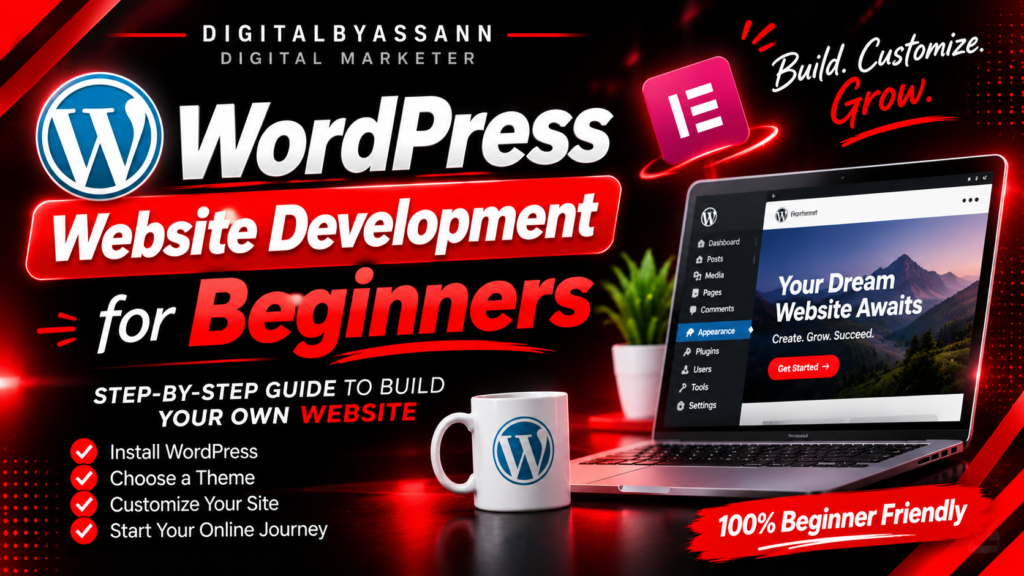
WordPress Website Development for Beginners
Introduction
A website is an important tool for businesses, professionals, and individuals who want to build an online presence. It helps people share information, showcase services, promote products, and connect with customers.
WordPress is one of the most popular platforms for creating websites. It allows beginners to build and manage websites without needing advanced coding knowledge.
In this article, let's understand the basics of WordPress website development and how beginners can get started.
01. What Is WordPress?
WordPress is a Content Management System (CMS) that helps users create, manage, and publish website content.
It can be used to build different types of websites, including:
- Business websites
- Personal portfolios
- Blogs
- Online stores
- Educational websites
- Service websites
WordPress offers flexibility through themes, plugins, and customizable website features.
02. Choose a Domain Name and Hosting
Before creating a website, you need a domain name and web hosting.
Domain Name: A domain is your website's online address, such as example.com.
Web Hosting: Hosting is a service that stores your website's files and makes them accessible online.
Choose a domain name that is simple, memorable, and related to your brand. Select hosting based on your website requirements, budget, and expected traffic.
03. Install WordPress
After purchasing a suitable hosting plan, you can install WordPress.
Many hosting providers offer a simple WordPress installation option through their control panel.
Once WordPress is installed, you can access the dashboard to manage your website's pages, posts, themes, plugins, and settings.
04. Understand the WordPress Dashboard
The WordPress dashboard is the main area where you manage your website.
Some important sections include:
- Posts – Create and manage blog articles.
- Pages – Create pages such as Home, About, Services, and Contact.
- Media – Upload and manage images and other media.
- Appearance – Manage themes and supported design settings.
- Plugins – Add extra features to your website.
- Settings – Manage general website configurations.
Learning these sections makes website management easier.
05. Choose a Suitable Theme
A WordPress theme controls the overall design and appearance of your website.
Choose a theme that matches your website's purpose and supports mobile-friendly layouts.
Popular options include Astra and other well-maintained WordPress themes.
A good theme should be responsive, lightweight, and regularly updated.
06. Design Your Website with Elementor
Elementor is a popular WordPress page builder that allows users to design website pages using a visual editor.
You can create layouts by adding and arranging elements such as:
- Headings
- Text sections
- Images
- Buttons
- Containers
- Service cards
- Contact forms
Elementor makes it easier for beginners to build customized website layouts without writing code for every section.
Some advanced features require Elementor Pro.
07. Create Important Website Pages
A professional business website usually includes several important pages.
- Home – Introduces your brand and main services.
- About – Explains who you are and what you do.
- Services – Displays the services you offer.
- Portfolio – Showcases your projects and creative work.
- Blog – Shares useful articles and information.
- Contact – Helps visitors get in touch with you.
Organize these pages clearly so visitors can find information easily.
08. Use WordPress Plugins
Plugins help extend the functionality of a WordPress website.
Some useful plugin categories include:
- SEO plugins – Help manage website SEO settings.
- Security plugins – Provide additional website security features.
- Backup plugins – Help create website backups.
- Contact form plugins – Allow visitors to send enquiries.
- Performance plugins – Help improve website performance.
Install only trusted plugins that you actually need. Keep them updated and remove unused plugins.
09. Make Your Website Mobile-Friendly
Many people browse websites using smartphones and tablets. Your website should display properly on different screen sizes.
Check the following:
- Text should be readable.
- Images should fit the screen.
- Buttons should be easy to tap.
- Sections should not have unnecessary spacing.
- Navigation should be simple.
- Pages should load efficiently.
Always preview your website on both mobile and desktop before publishing.
10. Basic Website SEO
SEO helps search engines understand your website and its content.
Some basic SEO practices include:
- Write clear page titles.
- Use relevant keywords naturally.
- Organize content with proper headings.
- Add descriptive image alt text.
- Create useful internal links.
- Publish original and helpful content.
- Make sure important pages can be indexed.
You can also use Google Search Console to monitor your website's search performance.
Conclusion
WordPress is a flexible platform for building websites, and beginners can use it to create professional online experiences.
By learning domain and hosting basics, understanding the dashboard, choosing a suitable theme, using Elementor, and following basic SEO practices, you can develop and manage your own website.
Remember, building a good website is not only about design. It is also about providing useful information, a smooth user experience, and clear communication.
BUILD YOUR DIGITAL PRESENCE
Build Your Website. Share Your Ideas. Grow Online.
Creative ideas. Smart design. Better digital experiences.